-
E-mail
tuochisensor@126.com
-
Phone
13262793593
-
Address
Room 707, No. 348 Huajiang Road, Jiading District, Shanghai
Product Categories
Tuochi (Shanghai) Industrial Sensor Co., Ltd
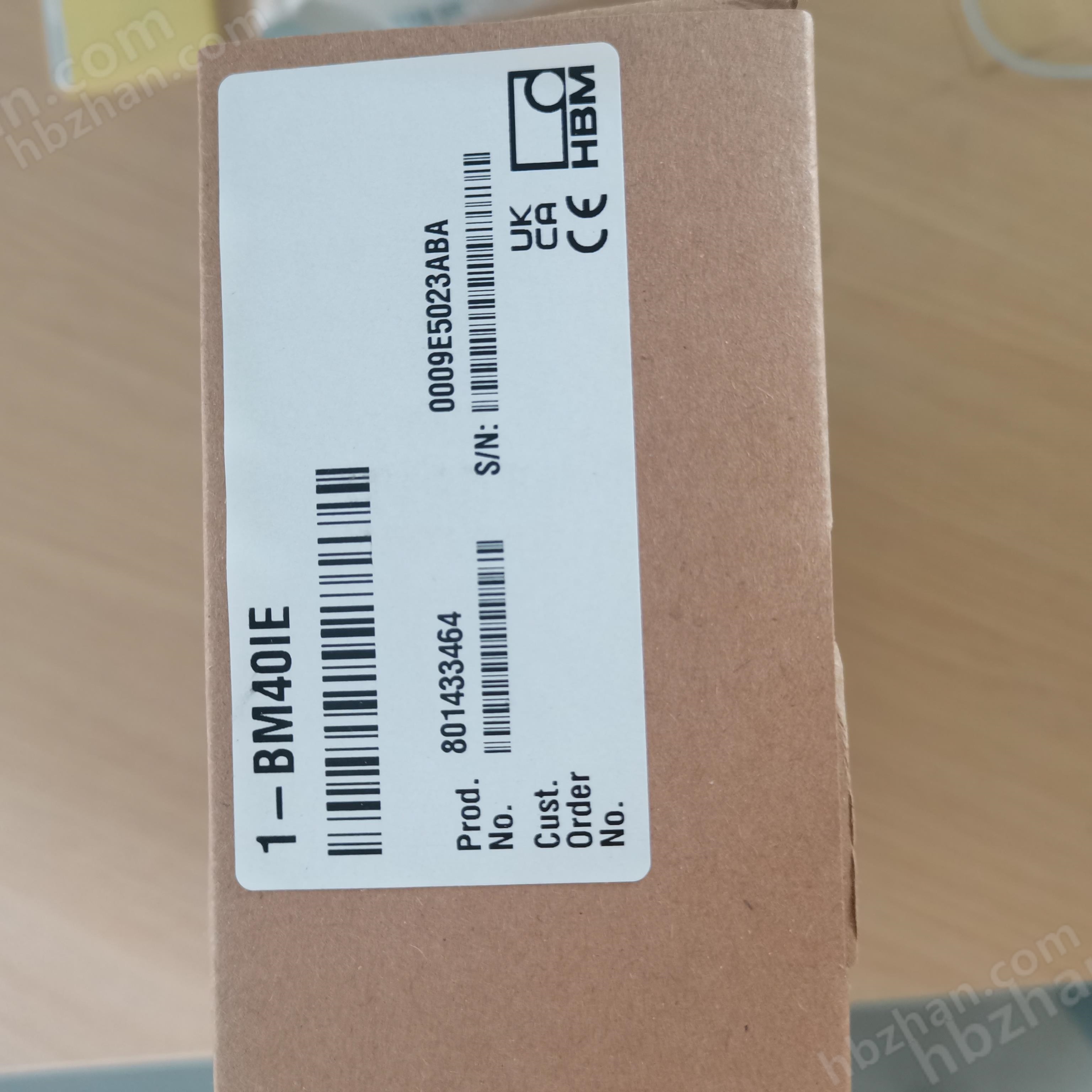


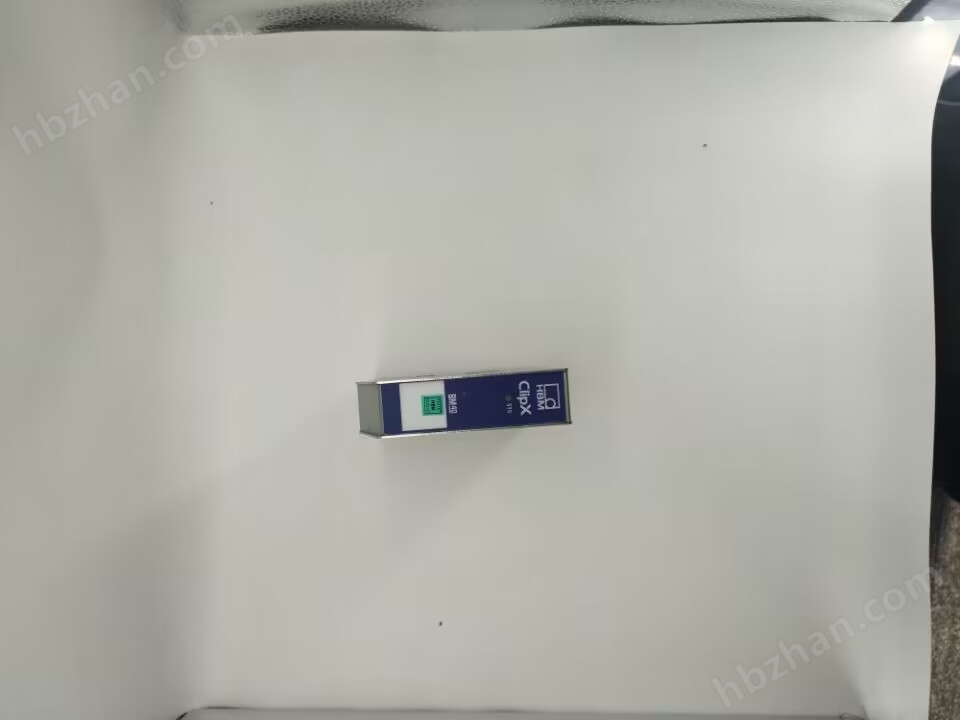
BM40IE EtherCAT interface signal amplifier
NegotiableUpdate on 01/09
- Model
- Nature of the Manufacturer
- Producers
- Product Category
- Place of Origin
Overview
The BM40IE EtherCAT interface signal amplifier is anti-interference and comes with a built-in calibration certificate. The 0.01 precision level signal amplifier ClipX sets a new standard for industrial process control. Whether it's test benches, manufacturing equipment, production monitoring, or single channel or multi-channel applications, ClipX can meet your testing requirements. Plug and play, forming a synchronous measurement system with 6 devices, and capable of preprocessing measurement data. Unlike traditional signal amplifiers, ClipX does not require a separate header module for data processing.
Product Details
|
BM40IE EtherCAT interface signal amplifierDetailed introduction: BM40IEModbus TCP interface signal amplifierIt is a signal amplifier model produced by HBM in Germany, with the core feature of integrating EtherCAT interface, suitable for precision measurement scenarios in the field of industrial automation. Anti interference, built-in calibration certificate, and 0.01 precision level signal amplifier ClipX set a new standard for industrial process control. Whether it's test benches, manufacturing equipment, production monitoring, or single channel or multi-channel applications, ClipX can meet your testing requirements. Plug and play, forming a synchronous measurement system with 6 devices, and capable of preprocessing measurement data. Unlike traditional signal amplifiers, ClipX does not require a separate header module for data processing.
BM40IE EtherCAT interface signal amplifierProduct Features
Technical Specifications
Precautions
Installation and Connection Guide for BM40IE Signal Amplifier: 1. Hardware preparation and connection
2. software configuration
3. Installation precautions
4. Debugging and Verification
|