-
E-mail
3228134024@qq.com
-
Phone
13961122002
-
Address
4th Floor, Lida Industrial Park, No.1 Zhengda Road, Wujin District, Changzhou, Jiangsu
Product Categories
Changzhou Kunyao Automation Technology Co., Ltd

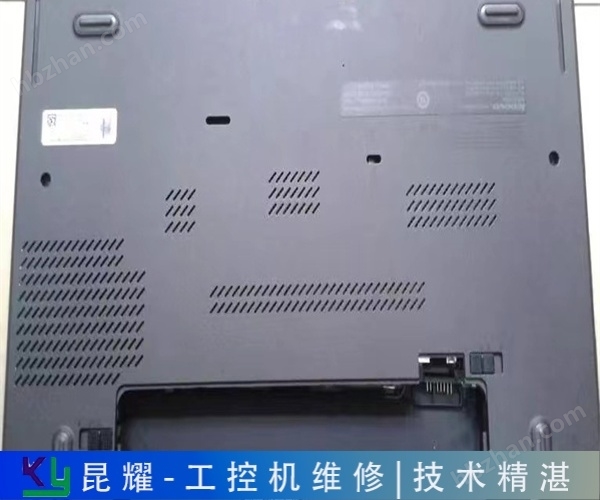


ELMO industrial control computer cannot start, repair and freezes
NegotiableUpdate on 01/08
- Model
- Nature of the Manufacturer
- Producers
- Product Category
- Place of Origin
Overview
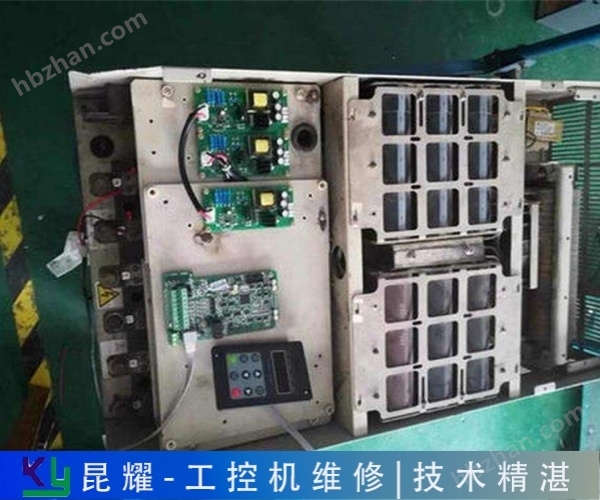
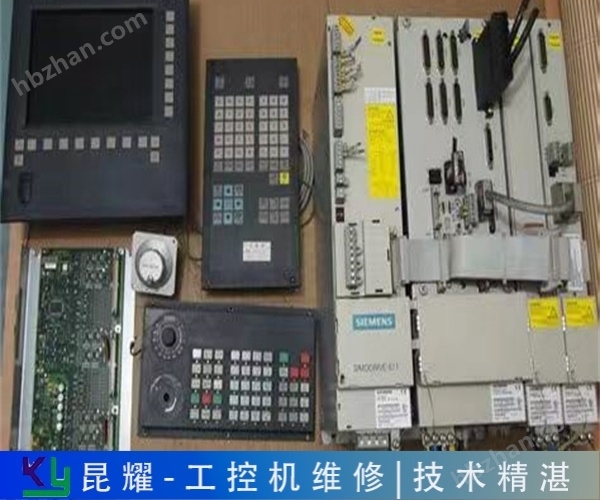
ELMO industrial control computer cannot be started, repaired and crashed. Changzhou Kunyao Automation is a professional company that repairs industrial control equipment and instruments. It has nearly 50 excellent technical personnel providing online fault consultation services. We are online 24 hours a day, with supporting testing platforms and a comprehensive after-sales service system. You can rest assured to consult us.
Product Details
0AD0维修6 AV7691-0AA00-0AE0 维修6 AV7691-0AB00-0AA0 维修6 AV7691-0AB00-0AB0 维修6 AV7691-0AB00-
ELMO industrial control mobile maintenance crashesKunyao Automation has formed a professional team of more than 30 experienced engineers, all of whom have years of practical experience in industrial computer maintenance. They are familiar with the working principles and common fault points of different brands and models of industrial computers, and can accurately locate problems and develop optimal maintenance plans. Whether it is complex circuit maintenance or core component replacement, they can ensure maintenance quality with professional skills and restore stable performance of equipment.
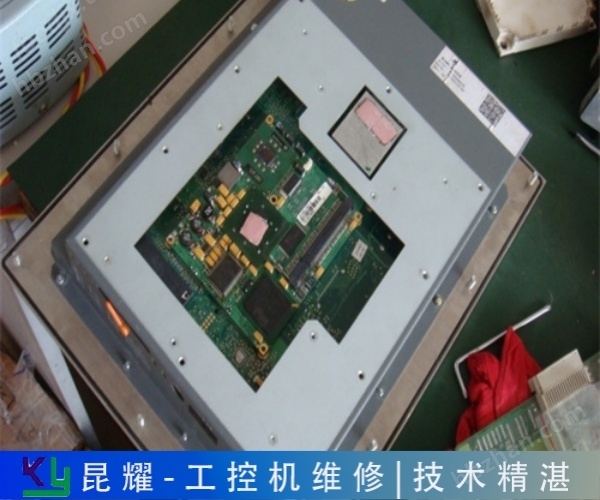
What are the causes of the five common faults in industrial control computers? What are the causes of industrial control computer faults? Based on the causes of some malfunctions, they can be roughly divided into
exclude; External first, then internal refers to excluding external devices such as connected capture cards, cameras, mice, and keyboards, and then opening the cover to check the inside; Pre component power supply refers to checking whether the power input of the industrial computer is normal, and then checking other components; Generally, the front and back refer to checking the areas that are prone to causing faults, such as whether the wiring is loose, after a fault occurs. If there is still a malfunction, check the components; Simple first, then complex, that is, starting from simple faults to detect and maintain, breaking down complex problems into simple faults. Of course, if the industrial computer malfunctions, a good solution is to seek professional repair from the customer service of the industrial computer manufacturer, or to
ELMO industrial control mobile maintenance crashes
Reason why the industrial computer cannot be turned on
1. Power issue: Loose power cord, damaged power plug, or no power outlet. Internal components of the power supply are aging, capacitors are bulging or burned, resulting in unstable or impossible power supply. Insufficient power output or unstable output voltage of the power supply.
2. Display and graphics card issues: Although the display does not directly affect the startup process of the industrial computer, if the display card (independent graphics card) malfunctions, it may cause the system to be unable to output video signals correctly, creating the illusion of "unable to start" for users. The signal line connection between the monitor and the industrial computer is poor or damaged.
3. Memory module issues: Loose memory modules, poor contact, oxidation of gold fingers, or damage to the memory module itself can all cause the system to fail to load properly.
4. Hard disk issues: Hard disk recognition failure, read/write errors, sector damage, etc. can directly cause the system to fail to load.
5. CPU and motherboard issues: CPU overheating, bent pins, or physical damage. Main board capacitor bursting, circuit failure, or chip burnout. The battery on the motherboard is depleted or damaged, resulting in the loss of BIOS settings.
6. Other hardware connection issues: such as poor or damaged hard drive data cables, graphics card cables, etc. The power button is worn or has poor contact.
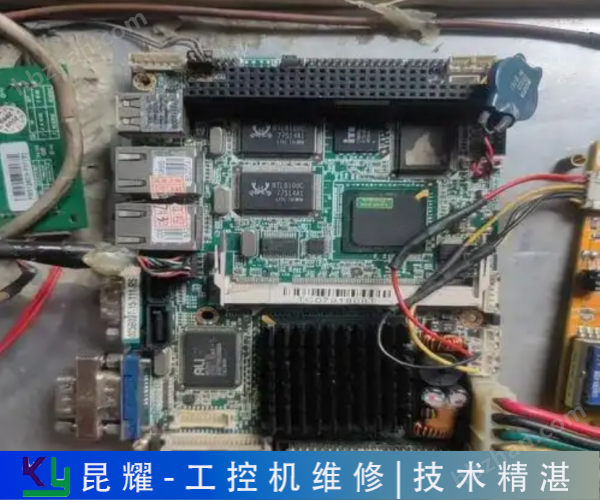
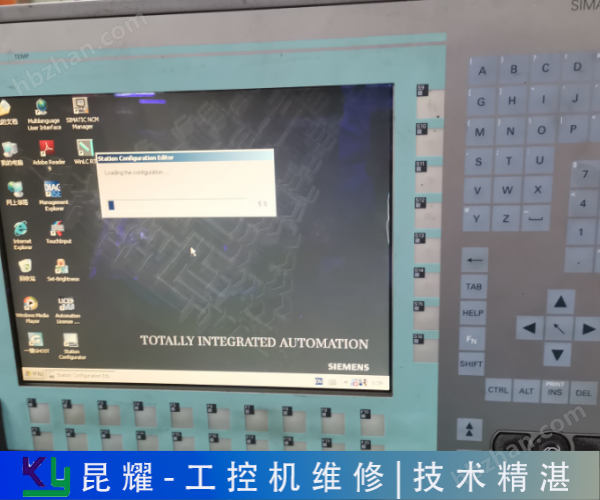
After repair, there is a warranty label on the outer shell of the product, which includes the warranty information! Delivery note, please keep it safe and use it as proof of repair for free warranty. The hard drive of the Siemens industrial control computer is broken and stuck on the startup interface. The maintenance type Siemens PC6 is stuck
The characteristic of stable operation. Improved the utilization rate of solar power generation equipment and greatly reduced the cost of solar power generation. The output voltage of the photovoltaic power generation system is 75V and the power is 3kW. With appropriate modifications to the software and hardware of the controller, it can be applied to photovoltaic systems with larger or smaller capacities. The controller is a multifunctional intelligent controller that integrates light, machine, and electricity. After long-term experimental simulations, the system has the characteristics of high accuracy, easy operation, and stable operation. Improved the utilization rate of solar power generation equipment and greatly reduced the cost of solar power generation. :GTPos
ELMO industrial control mobile maintenance crashes
Maintenance method for industrial control computer that cannot be turned on
1. Power check: Ensure that the power cord is correctly connected to the industrial computer and power outlet, and check if the outlet has power. Observe whether the power indicator light of the industrial computer is on. If it is not on, it may be due to the power not being connected or a power failure. At this point, you can try replacing the power cord or power adapter for troubleshooting.
2. Monitor and graphics card inspection: Ensure that the monitor is powered on and functioning properly. Check if the signal cable connection between the monitor and the industrial computer is normal. If you are using a discrete graphics card, you can try unplugging and reinserting it, or test it with an integrated graphics card.
3. Memory module check: Try unplugging the memory module, wiping the gold finger with an eraser, and then reinstating it to ensure that the memory module is securely installed. If the problem persists, you can try replacing the memory module for testing.
4. Hard drive inspection: Use hard drive inspection tools such as HD Tune, DiskGenius, etc. to check the health of the hard drive. If the hard drive is severely damaged, it needs to be replaced with a new hard drive and the system needs to be reinstalled.
5. CPU and motherboard inspection: Overheating of the CPU, bent pins, or damaged components on the motherboard can all cause the industrial computer to fail to start. Check if the CPU fan is running properly, if there are any signs of burning or crushing on the CPU, and if there is any damage to the pins.
4. Voltage and current amplifiers do not use current or voltage boosters for phase current and voltage, but adopt direct output mode, so that the current and voltage sources can directly output waveforms from DC to various frequency components, such as combined waveforms of square waves and various harmonics
Can I help you? Online Consultation on Common Industrial Control Computer Fault Analysis - Industrial Control Computer Professional Maintenance: Maintenance Company September 21, 2022 Common Industrial Control Computer Fault Analysis - Industrial Control Computer Professional Maintenance Common Industrial Control Computer Fault Phenomena:
ELMO industrial control mobile maintenance crashes
The output control signal of the output card (I/O) controls the on or off of the execution element. System monitoring software based on human-machine interface. Set the system operation mode, select control algorithms, display real-time and historical data and charts, analyze, save, alarm, print, send commands to control the system operation, and other functions. 2.2 Sensor selection and analog input circuit design. This device can detect 14 system parameters, including photovoltaic array output voltage/current, tracking light intensity, ambient light intensity, battery charging current/voltage, inverter output AC current, AC voltage, ambient temperature, battery temperature, photovoltaic array temperature, solar azimuth angle, etc

Abbreviated as "industrial control computer". It includes two parts: computer and process input and output channels. It has important computer attributes and features, such as having a computer CPU processor, hard disk, memory, peripherals and interfaces, as well as a real-time operating system and control
Replace the power supply, motherboard, motherboard, and other equipment. After the industrial computer is powered on, the power supply works normally and there is no response from the motherboard? First, remove the peripheral cards and connected devices to see if they can be started? If not, you can remove the memory and see if there is an alarm? but
=''
Is the motherboard functioning properly. After turning on, you can hear the motherboard self-test sound but there is no display on the monitor: check if the monitor is connected to the host normally; Repair the Siemens industrial computer and insert another display card to check if it can display normally; Clear CMOS (may be set
UHUGygqu
Similar Product Recommend