-
E-mail
3228134024@qq.com
-
Phone
13961122002
-
Address
4th Floor, Lida Industrial Park, No.1 Zhengda Road, Wujin District, Changzhou, Jiangsu
Product Categories
Changzhou Kunyao Automation Technology Co., Ltd

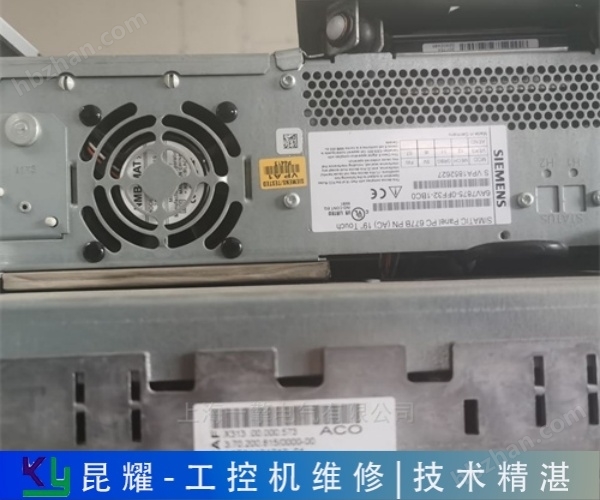


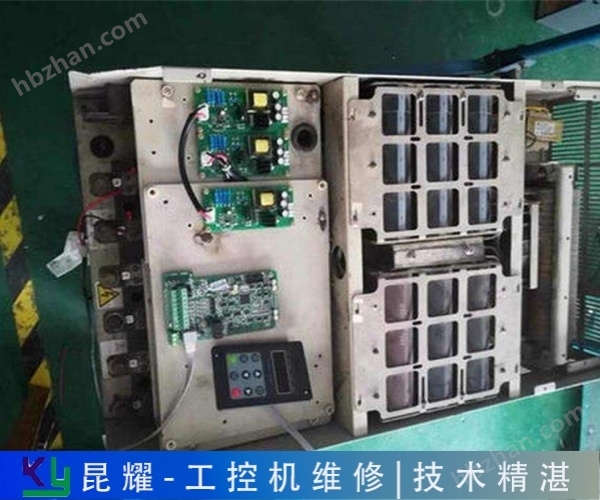
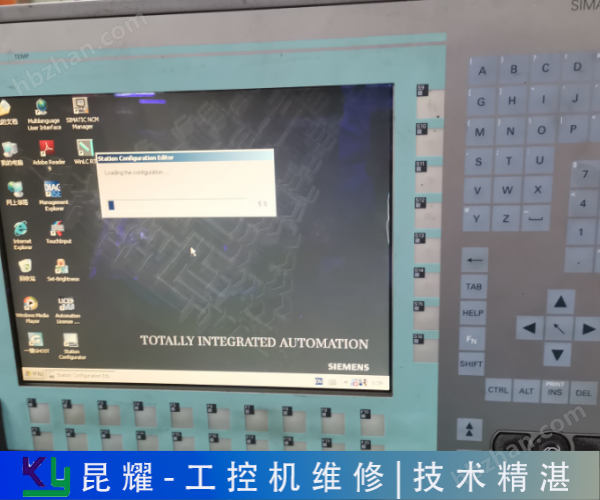
Weiqiang industrial control computer black screen repair motherboard malfunction
NegotiableUpdate on 01/08
- Model
- Nature of the Manufacturer
- Producers
- Product Category
- Place of Origin
Overview
Weiqiang Industrial Control Computer Black Screen Repair Motherboard Fault Changzhou Kunyao Automation is a professional company that repairs industrial control equipment and instruments. It has nearly 50 excellent technical personnel providing online fault consultation services. We are online 24 hours a day, with supporting testing platforms and a comprehensive after-sales service system. You can rest assured to consult us.
Product Details
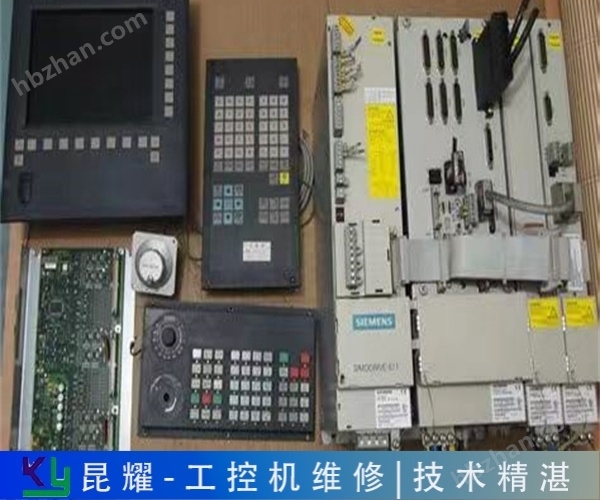
To be a trustworthy Siemens industrial computer maintenance enterprise, providing customers with high-quality maintenance services in a timely manner. The hard drive of Siemens industrial control computer is broken and stuck on the startup interface. The detection method and experience of transistor 1: Detection of low-power transistor
Weiqiang industrial control computer black screen repair motherboard malfunctionKunyao Automation focuses on the field of industrial computer maintenance, relying on professional technology and efficient services to solve equipment failure problems for various enterprises and ensure stable production operation. In terms of service coverage and response mode, we provide "engineer on-site service" for core cities such as Changzhou, Suzhou, Nanjing, Wuxi, Yixing, Zhangjiagang, Kunshan, etc. We can quickly arrange technical personnel to arrive at the site to complete equipment testing, fault diagnosis, maintenance and debugging, greatly reducing equipment downtime and minimizing production losses for enterprises.
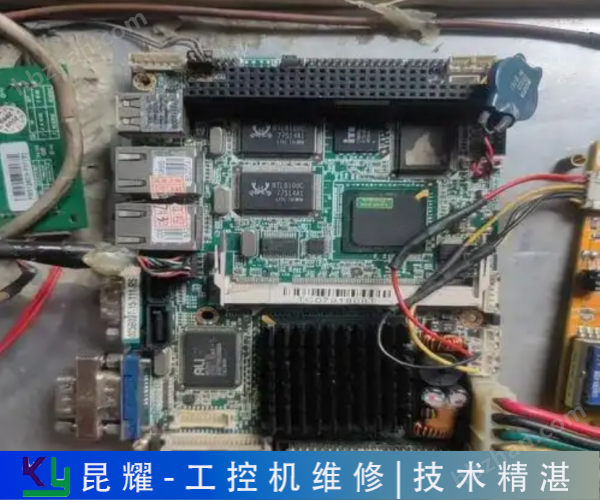
When the temperature reaches the set point, the motherboard will emit intermittent short tone alarms. After booting up, the motherboard self-test is successful but cannot boot the system from the hard drive: press the "Del" key to enter the CMOS hard drive parameter settings and check if the boot sequence is correct; After booting with an optical or floppy drive,
The industrial computer is applied to a bridge security machine for a certain Winter Olympics, with the following configuration: CPU: Intel Core I3 3220@3.3GHz Processor Memory: 4G DDR3 Kingston Hard Drive: 500g Mechanical Hard Drive/128G SSD Power Supply: Wide Temperature Industrial Control Power Supply Motherboard: ces-b75 Industrial Control Motherboard Industrial Control Computer -629 Side and Back Security Inspection Industrial Control Computer Advantages: Small size, easy to install inside the device. The power supply adopts a wide temperature power supply, which can be used at -20~70 ℃. Most power supplies cannot start cold at -10 ℃. Choose mechanical hard drives and fixed drives based on the on-site usage environment
Weiqiang industrial control computer black screen repair motherboard malfunction
Reason for black screen of industrial control computer
1. Graphics card issue: Damaged or malfunctioning graphics cards may cause the industrial computer to black out. Independent graphics cards may cause problems due to poor contact or oxidation of the gold fingers. You can try unplugging the graphics card and wiping the gold finger area with an eraser before reinserting it.
2. Memory module issue: Poor contact, damage, or incompatibility of the memory module may cause the industrial computer to black out. Loose memory modules or excessive dust in slots may also affect normal startup.
3. Power supply issue: Damaged or unstable power supply may cause the industrial computer to malfunction, resulting in a black screen. Check if the power plug is securely plugged in, if the power cord is damaged, and if the power indicator light is on.
4. Display issues: Malfunctions or connection problems with the display itself (such as loose or damaged signal wires) may result in a black screen. Try replacing the monitor or signal cable to troubleshoot.
5. Motherboard issue: Damaged, short circuited, or open circuited components on the motherboard may cause a black screen. A motherboard BIOS malfunction may also cause similar issues.
6. Other hardware connection issues, such as poor or damaged hard disk data cables, network cards, etc., may also cause the industrial computer to black out.

Another way to encounter a malfunction is to test your RAM. RAM failure may cause many problems. When the industrial computer writes data to RAM and the RAM displays another set of data, it indicates that the RAM has malfunctioned. This type of RAM malfunction may
User code. Connecting diodes between TTT3 and code indicates that CCC3 is at a high level of "1", while not connecting diodes indicates a low level of "0". In Figure 2, c1c2c2=111. DDDD4, D5, D6 are the data codes sent. When the PT2248 remote control command waveform has a positive pulse duty cycle of 1/4, it indicates "0", and the positive pulse duty cycle is 3/4 times. Regardless of "0" or "1", transmitting timed pulse modulation on a 38kHz carrier with a carrier duty cycle of 1/3 is beneficial for reducing power consumption. Each transmission cycle is based on CC
Weiqiang industrial control computer black screen repair motherboard malfunction
Repair method for black screen of industrial control computer
1. Power check: Confirm if the power cord of the industrial computer is connected properly, if the power plug is securely plugged in, and if the power cord is damaged. Observe whether the power indicator light is on. If it is not on, it may be a power failure and the power supply needs to be replaced.
2. Monitor inspection: Confirm whether the monitor is connected correctly and whether the signal cable is loose or damaged. Try replacing the monitor or signal cable to eliminate the possibility of monitor or signal cable malfunction.
3. Graphics card inspection: If using a discrete graphics card, check if the graphics card is properly plugged in and if the golden finger is in good contact. Try unplugging the graphics card and wiping the gold finger area with an eraser, then reinsert it.
4. Memory module inspection: Poor or damaged contact of the memory module may cause the industrial computer to black out. Try unplugging the memory module, wiping the gold finger area with an eraser, and then reinserting it.
5. Motherboard inspection: Check for burnt or detached components on the motherboard. Check if the slots on the motherboard are loose, especially the cables that supply power to the motherboard from the motherboard.
The startup screen prompts that the hard drive cannot be found; The hard drive makes abnormal clicking sounds, and the system cannot start; The hard drive circuit board is burnt and smoking; Solution for data recovery such as accidental deletion, formatting, cloning, partitioning, virus invasion, etc.: Backup
The upgrading of mechanical and electrical technology, especially with many industrial computers now adopting cable free design methods, all functions and interfaces are directly installed on the motherboard, resulting in malfunctions due to normal aging. less and less. Electrical connection failure, due to
Weiqiang industrial control computer black screen repair motherboard malfunction
Easy to meet the needs of remote control scenarios, as well as some special occasions, such as: single-chip industrial control systems in sealed containers, parameter input or control through glass windows; The surrounding environment of microcontroller industrial control is not suitable for users to operate up close. The infrared remote control keyboard emission circuit is composed of an integrated chip PT2248. 00h~09h are numeric keys, 0ah is the reset key, and 0Bh is the cancel key. The emission circuit of the infrared remote control keyboard adopts pulse modulation (PPM), which modulates the remote control instructions into a pulse sequence and drives the infrared emission tube to emit light pulses. The remote control command consists of a 12 bit code. CCC3 is

Whether they are the same; Clear COMS (possibly set incorrectly) or replace BIOS; Replace the graphics card or insert an external graphics card (motherboard integrated graphics card). Generally, long notes indicate a malfunction of the memory module; There are two types of continuous short tones: one is graphics card alarm, and the other is
Status: Hard disk drives typically have built-in SMART functionality, which alerts you in advance if the hard disk experiences symptoms of failure. When SMART displays a warning message, you can use the Smart Analysis tool to perform health analysis
Industrial control computer for the environment. Its power supply, chassis, and motherboard are designed specifically to accommodate long-term uninterrupted operation. In order to better use industrial control computers and maintain good performance, it is necessary to maintain them in daily use. Daily maintenance of industrial control computer: 1. Do not disassemble the industrial control computer at will during use. If there is a malfunction, please refer to the common faults and troubleshooting methods of industrial control computers. During normal use, it is prohibited to move the industrial computer to avoid damaging the hard drive due to vibration. In addition, the display of industrial tablet computers is prone to damage. Do not use regular paper towels or cloth products to wipe the screen, or use fingers or pens, etc
A sound magnetic synchronous digital fixed-point instrument parameter online inquiry is welcome. What can I help you with? Online consultation on rated parameters of industrial control models for six phase relay protection testers: Shengxu Electric Co., Ltd. August 16, 2022
UHUGygqu
Similar Product Recommend